Lenovo
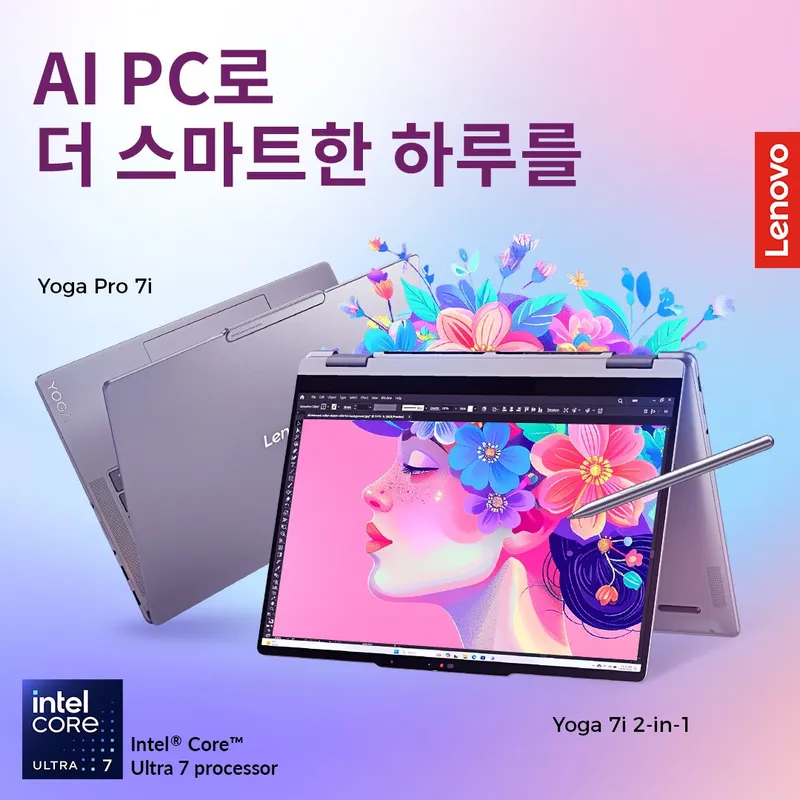
Extra up to 15% off on laptops, desktops, accessories, and tablets all products
15%
More details▶ Why Choose Lenovo? Fast and Secure: Get the most out of your laptop with Lenovo's cutting-edge smart performance delivering powerful all-in-one PC performance, maintenance, and security Premium Care Plus: Enjoy your laptop all day long with 24/7 preferential support and accidental damage coverage, smart performance, and extended battery solutions Environmental Protection: Take a smarter approach to climate change with low-energy laptops, sustainable materials and packages, and carbon offset services Help and Support: Chat with experienced experts to help you select products, order, check order history, and set up your education laptop How to purchase with ISIC/ITIC discount ① Click 'Get Voucher,’ and verify your ISIC/ITIC to check the discount code. ② Sign up for the Lenovo Education Store. (You can sign up with an email account under the educational institution's domain, such as xxx.ac.kr or xxx.edu.) If you are not a student/teacher, go to ⑦. ③ An account activation email will be sent to the email. ④ Activate your account through the email you received. ⑤ Go back to the Lenovo site. (It will be automatically redirected from email.) ⑥ Log in to the Lenovo Education Store. ⑦ Add the product you want to purchase to your shopping cart and enter the discount code before proceeding with payment. ⑧ After confirming that the discount has been applied, complete the payment.
| Dato | Detalle |
|---|---|
| País | South Korea |
| Dónde | En línea |
| Categoría | Compras · Computers, Electronic Equipment |
| Modalidad | Descuento en línea |
Muestra tu tarjeta ISIC, ITIC o YOUTH para acceder al beneficio; las condiciones vigentes están en isic.org.